Send money abroad in minutes — 0€ Pay fee
Operational since 2014
First Spanish Fintech to obtain the MiCA License


See what you save vs traditional remittances
 You send from Spain
They receive
571.89 USDC
- Bit2Me Pay fee
- 0,00€
- Typical remittance fee (est.)
- ~17,50€
- Estimated savings
- ~17,50€
- Estimated delivery
- < 1 minute
Traditional remittance fees are indicative estimates for comparison only. Actual costs may vary by provider and corridor.
Pay transfers up to €2,000 per send (crypto equivalent).
Your remittance in 4 quick steps
Top up your account
Add euros by bank transfer (PSD2) or use crypto you already hold.
Choose a regulated stablecoin
Select a MiCA-regulated EMT such as USDC or EURC.
Send by alias, email or phone
Enter their phone, email or alias — no wallet addresses to copy.
They receive instantly
They receive in minutes. New to Bit2Me? We notify them to claim.
Less cost than banks and remittance apps
| Feature | Bit2Me Pay | Banks & remittance apps |
|---|---|---|
| Send fee | ||
| Delivery time | ||
| Available 24/7 | ||
| EU MiCA regulated | ||
| Send by phone or email | ||
| Clear transfer limits |
Traditional provider figures are indicative estimates for comparison purposes.
Where your family receives in minutes
Popular routes to Latin America, Africa and Asia — 0€ Pay commission, transparent limits and delivery in under a minute.

Latin America
Africa
Asia
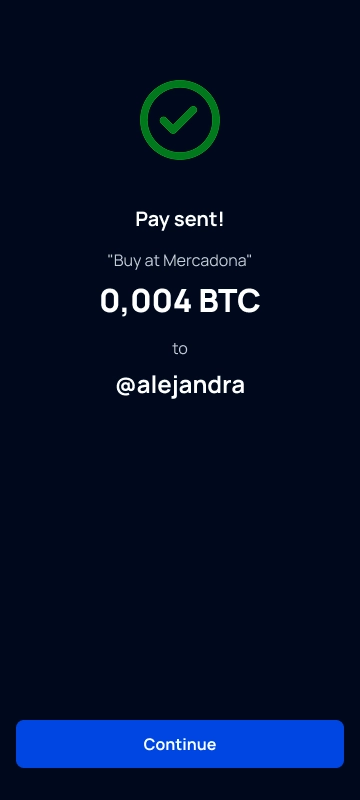
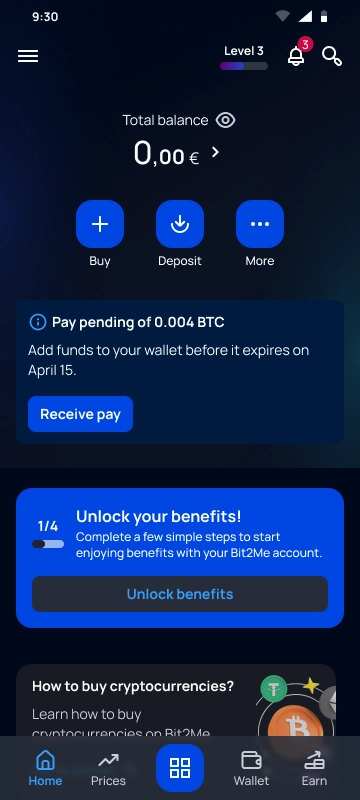
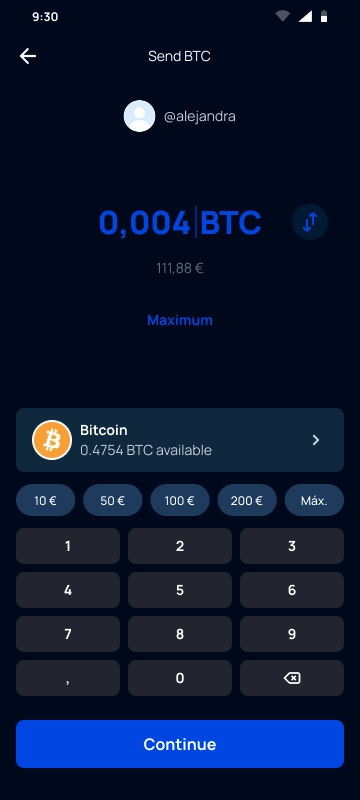
The direct crypto payment system already used by thousands of people
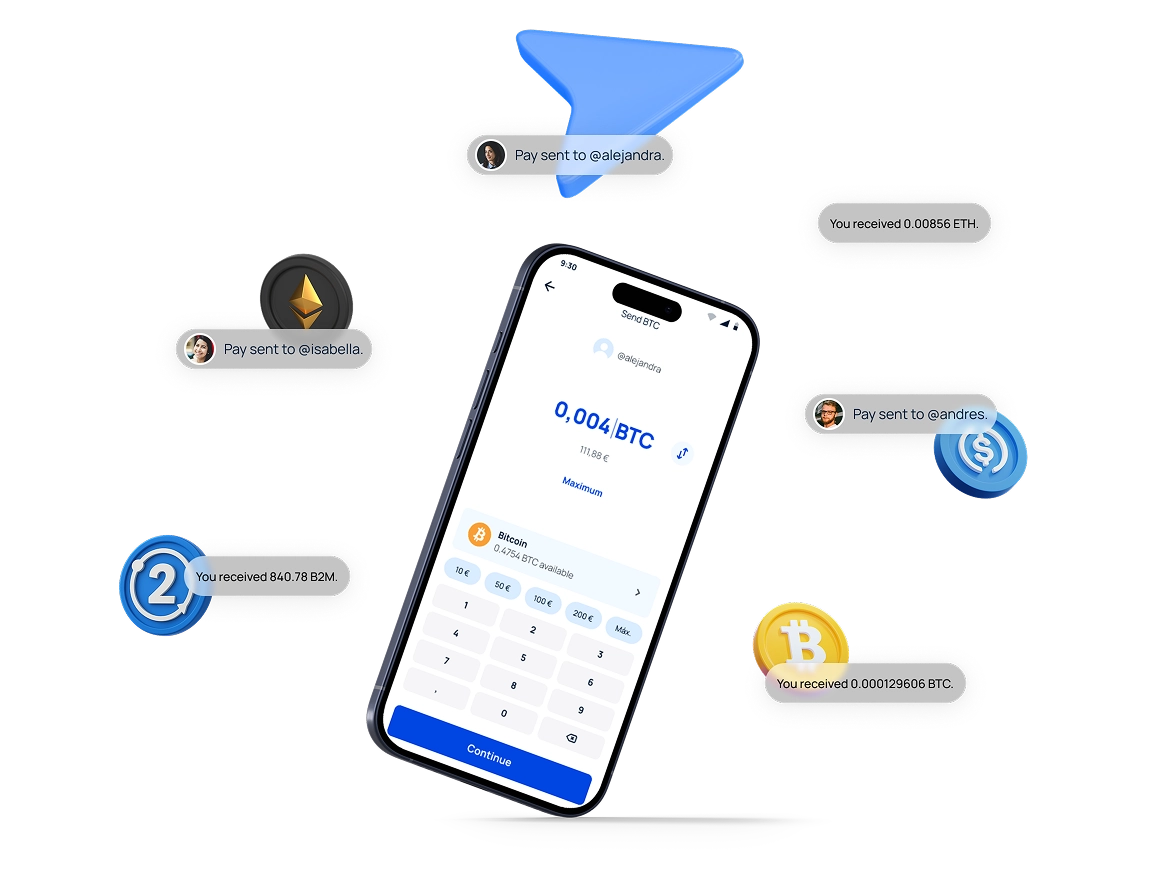
Send payments up to €2,000 (crypto equivalent) to any user using their alias, email or phone number. If they don't have an account, invite them effortlessly!
No fees or waiting
Sends are free and instant.
Send with an alias, email or phone
You don't need complicated wallets.
Easily invite new users
The contact receives your payment + invitation.
Built for remittances — and daily life
Support family abroad or split a bill with friends. One Pay account, 0€ fee between users.
Send money abroad
Send crypto to family or friends in other countries, without intermediaries or delays. Fast, global, and with no hidden fees.

Support family abroad
Send regulated stablecoins to loved ones who need it most. No bank delays or hidden remittance fees.
Split bills with friends
Send and receive payments instantly after a dinner, a shared subscription, or a group gift.

Charge for your services without hassle
Receive payments from your clients instantly, with no fees and by just sharing your alias, email or phone

Return the money you borrowed
Return the money to the person who lent it to you, easily and quickly. It doesn't matter if they don't have an account yet.

Pay with any crypto
Make payments with any of the +300 compatible cryptocurrencies, without worrying about the recipient's currency.

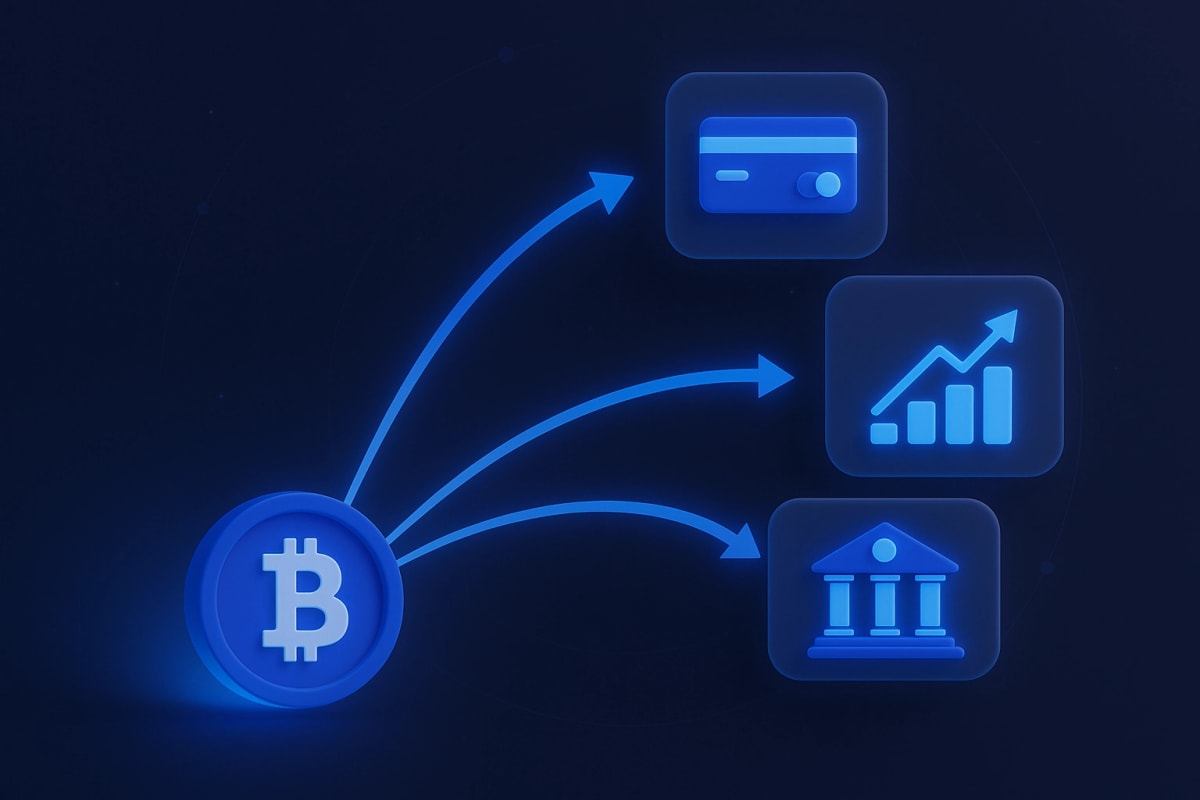
Your money, your rules
Once you receive the funds, you have total control to use them as you decide: invest, pay at merchants with the Mastercard, or transfer them to your bank account.
Send with a MiCA-licensed provider
MiCA CASP licence
EMT stablecoins
PSD2 & EDE infrastructure

With each payment, you have the chance to earn more
Does your contact not have an account yet? No problem. Invite them and when they join, they will automatically receive your transfer. Plus, you'll earn rewards for referring them to Bit2Me.
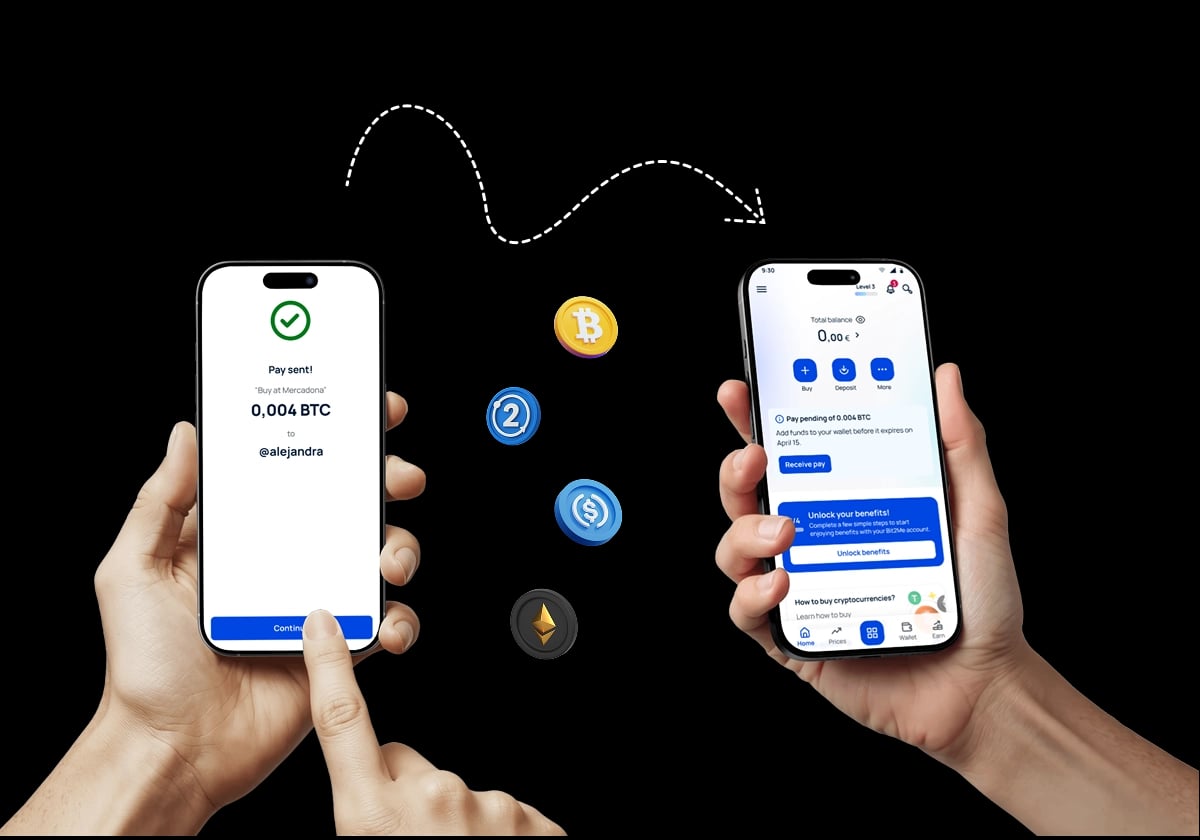
Ready to start sending crypto like never before?
Transform the way you make payments in your day-to-day life.
Make first transferFrequently asked questions about remittances and Pay
Answers about regulated stablecoin remittances, limits, speed, security and everyday P2P payments with Bit2Me Pay.
International remittances
Everyday P2P payments
Bit2Me Pay is a free service we offer to transfer funds between users with an active and verified account on Bit2Me.
You can send any supported cryptocurrency in our wallets to another person with a verified account on Bit2Me by indicating the alias, email address, or phone number with which they are registered.
Funds sent through Bit2Me Pay are automatically credited to the recipient's Wallet.
For these transfers to be automatically assigned, it is necessary that the transfer is made to the phone number, email, or alias with which the recipient's account is registered on Bit2Me.
When funds are sent through Bit2Me Pay, the recipient will receive an email (if sent by indicating the email), an SMS (if sent by indicating the phone number), or a notification in the recipient's account if sent by indicating the alias, informing about the deposit received.
To send cryptocurrencies through Bit2Me Pay, you must follow these steps:
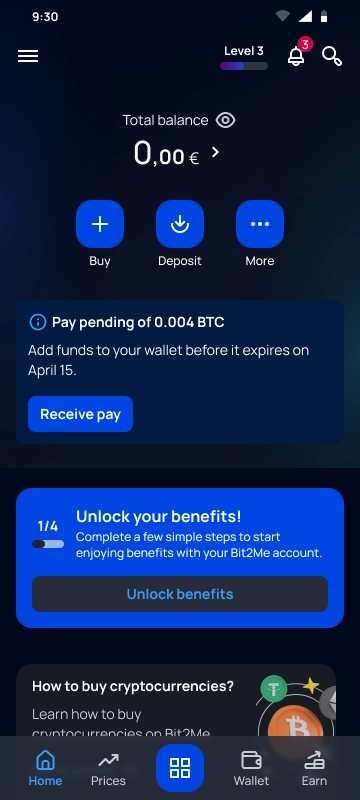
1. Press the operations button (blue square) that you will find in the horizontal menu at the bottom of the screen if you access from the app, or in the top right corner if you access from the Web.
2. From the available options, press "Withdraw".
3. Select "send crypto".
4. Choose the option "Send to Bit2Me user".
5. Choose from the list the cryptocurrency you wish to send.
6. In the form that will appear, you must indicate:
- The amount you wish to send. You can press Max. if you want to send the entire balance of the selected currency.
- Select a sending option: Phone number, email, or user alias.
- Enter the corresponding data for the sending option you have selected.
7. Press the SUBMIT button