























Bit2Me
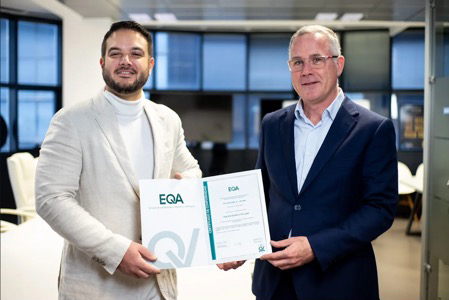
Izertis adds Bit2Me’s services to bring crypto assets closer to businesses
The agreement allows Izertis's clients to incorporate stablecoin payments, crypto asset custody and new business avenues, regardless of their sector or size. Izertis contributes business know-how and execution capacity; Bit2Me, the leading digital asset platform in Spain and the first Spanish-speaking fintech authorized by the CNMV as a crypto-asset service provider under the (EU) [...]
Read article