










Bit2Me TaxIncluded free

Declare your crypto with your Bit2Me Tax report

FIFO tax report included with Bit2Me. Download it in one click before you file.

Free

Automatic FIFO

PDF and CSV

Person reviewing a cryptocurrency tax report on screen with documents and tax-year totals.

€0

Report cost

1 click

To download

FIFO

Method applied

MiCA

EU regulated

We get it

Common worries, answered

Do I need to report my crypto?

Tax organises your Bit2Me activity for your tax return.

Do swaps between coins count?

Each swap may be taxable. Your report includes them.

I only made losses — do I still report?

Losses matter too and may offset capital gains.

What if I use another exchange?

Tax covers Bit2Me operations only. Bring your crypto here and the free report is generated automatically.

Do Earn, airdrops and payments count?

Rewards and crypto payments create tax-relevant data.

Does Bit2Me file for me?

No. It is your activity report, not tax advice.
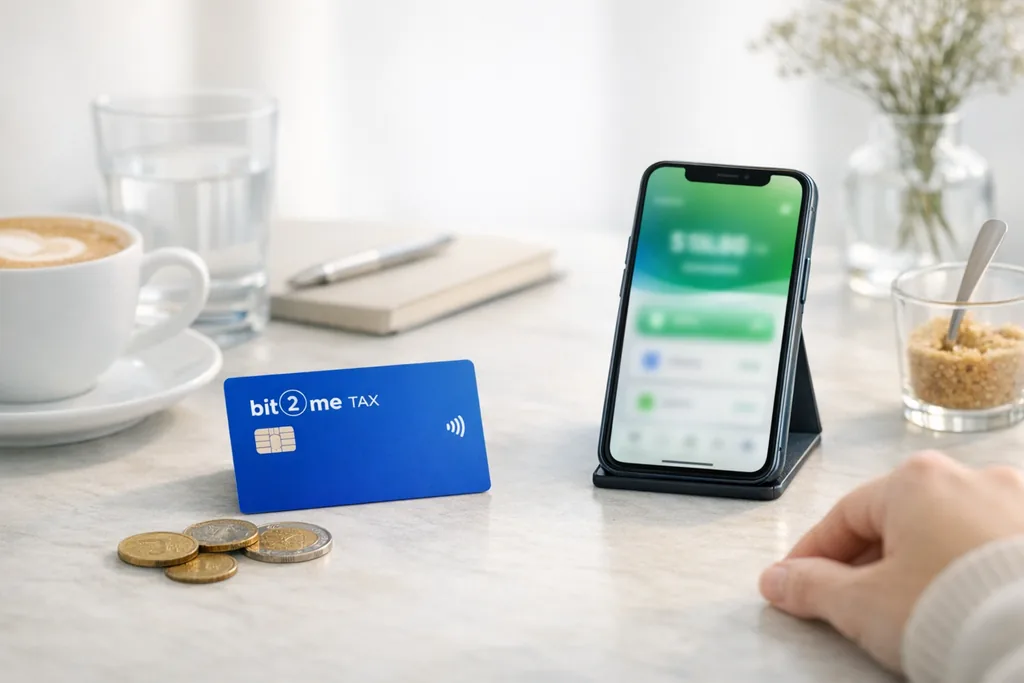
Smartphone with the Bit2Me app and a printed tax report ready to download.
Simple as that

Your report in three steps

Trade on Bit2Me, Tax applies FIFO, and you download the PDF ready for your tax return.

Requirements: Verified Level 1 account and at least one Bit2Me transaction.

1

Trade as usual

Buy, sell or swap on Bit2Me.

2

Open Tax

From app or web → Portfolio → Tax.

3

Download your report

Tax PDF and CSV export whenever you need them.

What Tax includes

Service features

Tools included with your Bit2Me account to prepare your crypto tax return.

Included free

No extra cost with your Bit2Me account.

Automatic FIFO calculation

Capital gains and losses using the standard crypto cost-basis method.

Tax PDF report

Document ready to review with your tax advisor or for filing.

Capital gains and losses

Portfolio summary for each tax year.

Per-transaction detail

Every buy, sell and swap broken down in the report.

CSV export

Full transaction history for spreadsheets or other tools.

Reports by tax year

Download the PDF for every year you traded.

Native sync

Data pulled directly from your Bit2Me activity.

Tax advisor access

Optional booking with external crypto tax specialists.
Your deliverable

What you'll find in the report

A document organised by tax year, generated from your Bit2Me activity.

1

Tax year summary

Portfolio balance and aggregated result for the selected tax year.

2

Transaction detail

Each movement with date, type, amount and currency.

3

Capital gains and losses

FIFO applied transaction by transaction on sales and swaps.

4

Export options

PDF to review or archive, plus CSV if your tax advisor needs it.

Ready to review with your advisor or to prepare your paperwork. Includes totals and an ordered summary of Bit2Me report operations.

Information about your Bit2Me operations; not a substitute for professional tax advice.

Laptop and documents showing a crypto tax report with charts and totals.
Included operations

Everything you do on Bit2Me, calculated

Movement types Tax captures in your tax report.

Purchases

Buy with euro or card

Sales to fiat

Withdraw to your bank account

Crypto↔crypto swaps

Exchanges between assets

Earn rewards

Interest, staking and yield

Card payments

Spending crypto at merchants

On-chain deposits

Incoming wallet transfers

On-chain withdrawals

Outgoing transfers to external wallets

Airdrops

Promotional token receipts

Bit2Me Loan

Collateral-related operations

Pro trading

Advanced market trades

Bit2Me Pay

P2P sends and payments

Recurring buys

Scheduled DCA plans
Included with Bit2Me

What others charge, you get free

What others charge, you get free
FeatureIncluded freeBit2Me TaxManual spreadsheetPaid tools
CostFreeYour timePaid subscription
FIFO calculationAutomaticManualAutomatic
Bit2Me operationsNativeManualImport CSV
Estimated timeMinutesHours or days30–60 min
Crypto tax advisorAvailableNoNo
Optional

Unsure about your tax return? Talk to an expert

External crypto tax advisors help you interpret the report for your jurisdiction.

Third-party service. Bit2Me does not provide tax advice.

Portraits of crypto tax specialist advisors
Illustration of specialised crypto tax advisory

Tax disclaimer

Informational content only. Bit2Me Tax is not professional tax advice. The report covers Bit2Me operations; tax treatment depends on your tax residence, jurisdiction and personal circumstances.

Any questions?

Frequently asked questions

Sign up on Bit2Me, trade on the platform and open Tax from Portfolio. Download your PDF or CSV at no cost.

  • Register and complete Level 1 verification
  • At least one Bit2Me transaction
  • Download PDF or CSV from Tax

Your tax report, ready in one click

The Bit2Me operations report is included with your account. It does not replace advice or file your tax return.

Free reportAutomatic FIFOProtected data

Open your account now and receive 15€

Register on the world's easiest, safest, and most complete platform

Start now
Start using cryptocurrencies