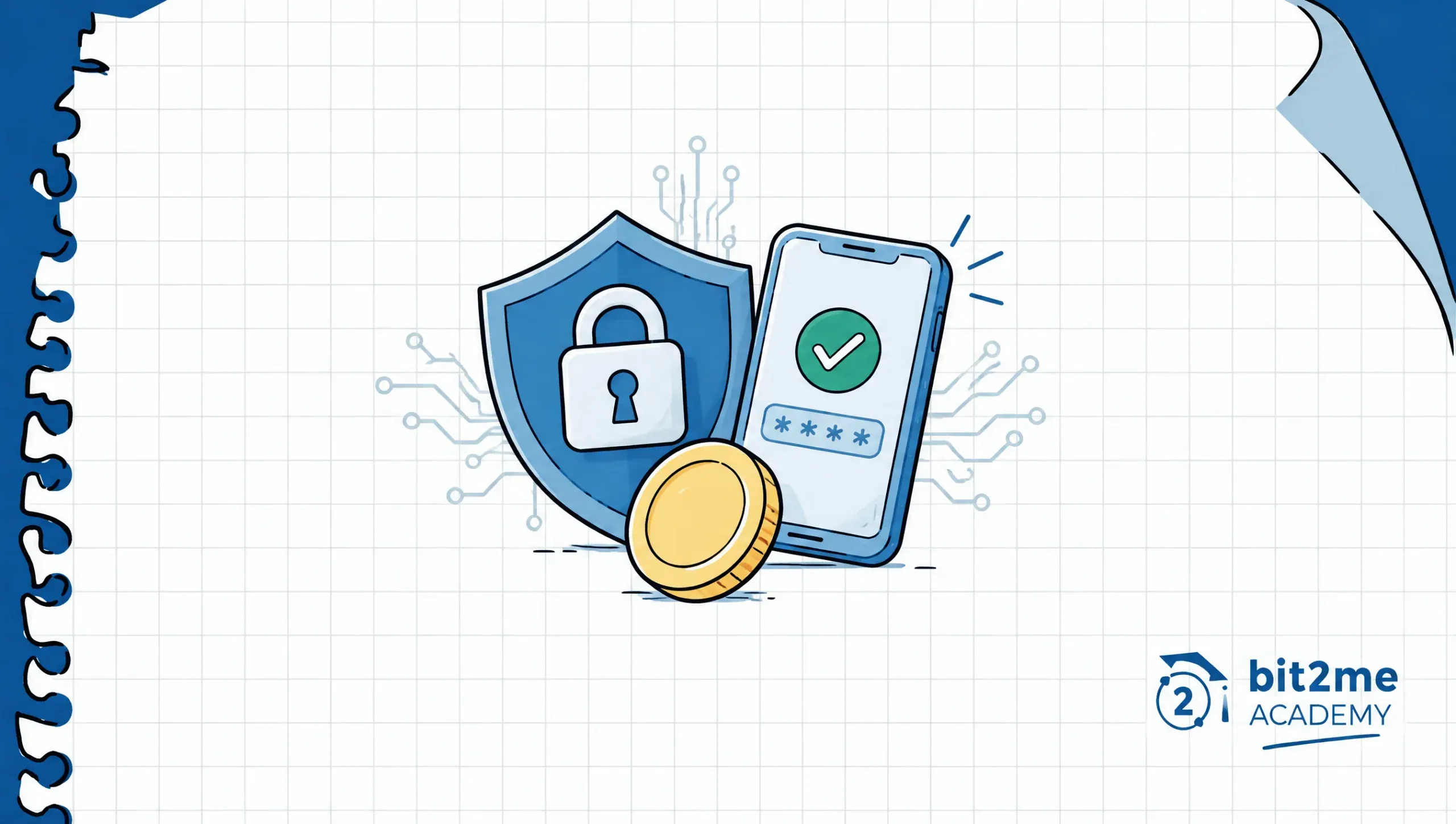
Cómo proteger tus criptomonedas: guía de seguridad personal
Essential Points
- How to protect cryptocurrencies depends on both the platform and your daily habits: passwords, 2FA, and paying attention to the messages you receive.
- An authentication app is more secure than SMS as 2FA because it does not depend on the phone network, which is vulnerable to SIM swapping.
- Phishing is recognized by three combined signs: artificial urgency, a request for sensitive data, and a link that you didn't write yourself.
- No single control is sufficient: real security lies in applying all measures together, not in relying on just one of them.
If you've already bought your first cryptocurrencies and have been navigating between your exchange and wallet for a while, you've probably started asking yourself a different question than the one you had at the beginning. It's no longer "how do I get started," but "how do I prevent something from going wrong": a slip-up, a wrong link, a Wi-Fi network I shouldn't have used to access my account. That second question is precisely the focus of this guide.
Here you'll find practical tips on how to protect your cryptocurrencies once you already own them: from safeguarding your seed phrase to correctly setting up 2FA (two-factor authentication), including how to recognize a phishing attempt before it asks for any information, what to do and avoid on public Wi-Fi networks, and basic precautions if you use a hardware wallet. You don't need to be a cybersecurity expert to implement these measures; you just need to make them a habit.
Important noticeThe acquisition of crypto assets is not fully regulated, may not be suitable for retail users due to their high volatility, and carries the risk of total loss of the funds invested. It is important to read and understand the risks before making any decisions, as outlined in the Markets in Crypto Assets Regulation (EU) (MiCA). This article is for educational and informational purposes only and does not constitute financial, legal, or tax advice.
Main Cryptocurrencies Course
Basic levelBit2Me Academy We bring you a new course where you will learn everything you need to know about the most important cryptocurrencies that exist today.
Empezar ahora ›Because personal security is your responsibility, not just the exchange's.
When you buy crypto assets in a regulated exchange platformMuch of the security infrastructure—encryption, fraud monitoring, and technical custody—is already handled by them. But there's one layer that no platform can protect for you: your own digital habits. No one else decides whether you activate 2FA with an app or SMS, whether you recognize a fake email in time, or whether you connect your account from an open Wi-Fi network at an airport.
This combination of shared responsibilities is what truly defines the security of your crypto assets. The platform protects the infrastructure; you protect access. When one side fails, the other can't always compensate, especially if the failure is having given your credentials to someone who shouldn't have had them.
Therefore, learning how to protect cryptocurrencies isn't a one-off exercise you do and forget, but rather a set of habits you repeat every time you log into your account, every time you receive an unexpected message, and every time you connect from a different location than usual. The rest of this guide elaborates on each of these habits in the necessary detail so you can start applying them today.
Protect your seed phrase: the foundation of all your security
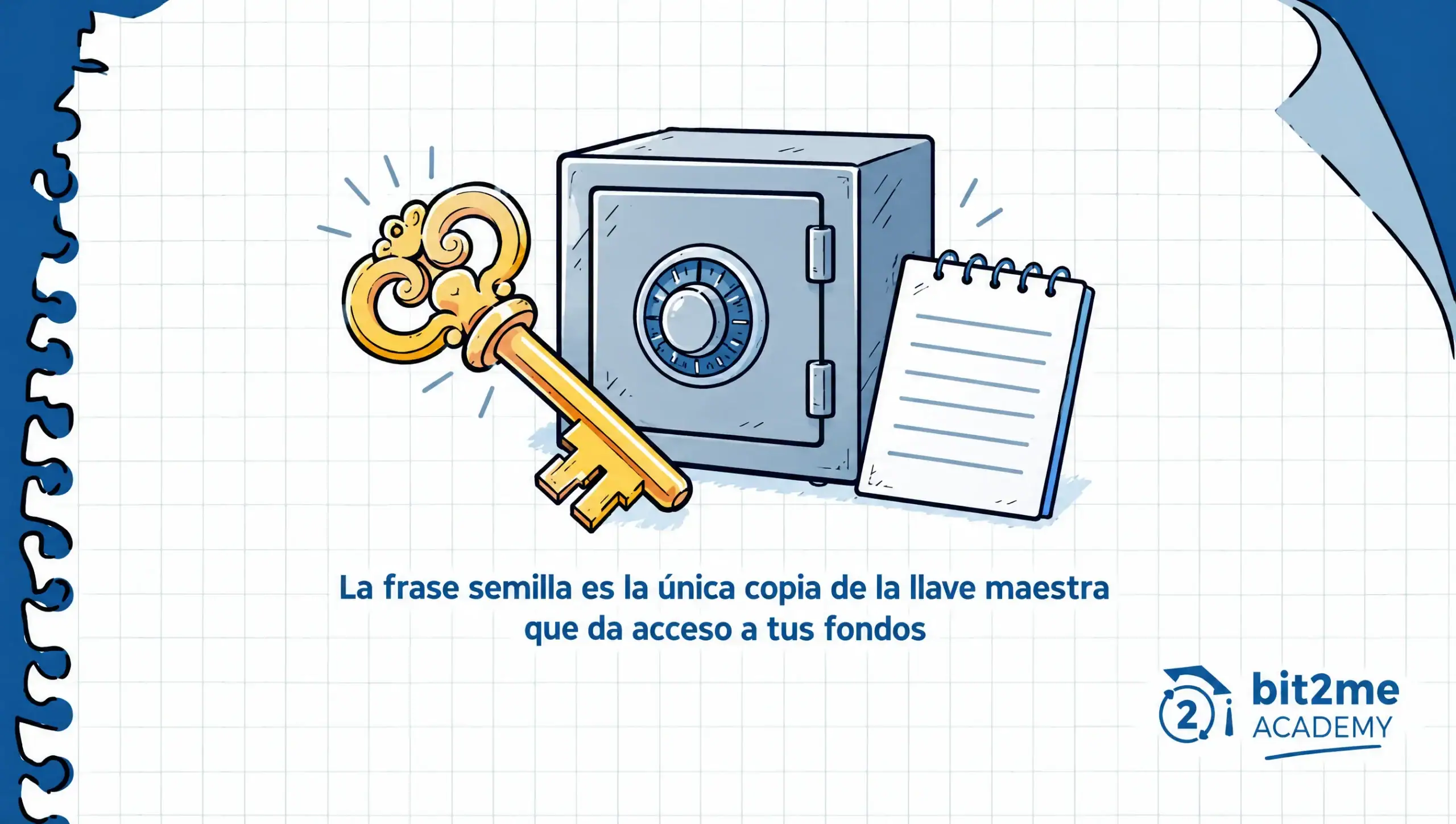
If you have some of your crypto assets in a non-custodial walletThe seed phrase is, by far, the most critical element of your personal security. That sequence of words is the only copy of the master key that grants access to your funds, and whoever obtains it—whether through your carelessness or deception—controls that wallet exactly as you do.
The guide of Bit2Me Academy What is a seed phrase and how to protect it It explains in detail how this backup works, why it should never be saved to the cloud or as a screenshot, and what to do if you suspect it has been compromised. If you haven't read it yet, it's probably the first step you should take before continuing with this guide, because everything else we'll cover here protects access to your account, while the seed phrase protects direct control of your funds.
What's important to emphasize here is a rule that's repeated in every phishing attempt targeting crypto users: no legitimate source will ever ask you for that entire phrase, not via chat, email, or phone. If any message requests it under any pretext—a verification, an account error, a pending prize—the correct response is not to share it and to be suspicious of the message's origin.
Activate 2FA correctly: why an authenticator app is better than SMS
Two-factor authentication (2FA) adds a second layer of verification to your account access, so knowing your password is no longer enough to log in. It's one of the most effective cryptocurrency security measures available, yet not all 2FA methods offer the same level of protection.
SMS verification as a second factor is better than nothing, but it has a known weakness: SIM swapping. This technique involves someone tricking your mobile carrier into transferring your number to a SIM card under their control, usually through social engineering or falsified documents. If this happens, the SMS codes meant for you go directly to the attacker, without you noticing until you lose access to your own number.
A dedicated authentication app—the kind that generates temporary codes directly on your mobile device without relying on the cellular network—eliminates this weakness entirely, because the code never travels over a network that a third party could intercept or redirect. Enabling this type of 2FA on your exchange and reviewing what other session protection measures are available is exactly the kind of practice worth reviewing in the best practices guide for [unclear - possibly "Exchange Security"]. security in your exchange, which details how to combine 2FA with other access control layers.
One detail many people overlook: when you activate an authenticator app, the platform usually also provides you with one-time recovery codes. Keep these as safe as your seed phrase, because they are the only way to regain access if you lose the phone where you generate the codes.
How to recognize a phishing attempt before it's too late
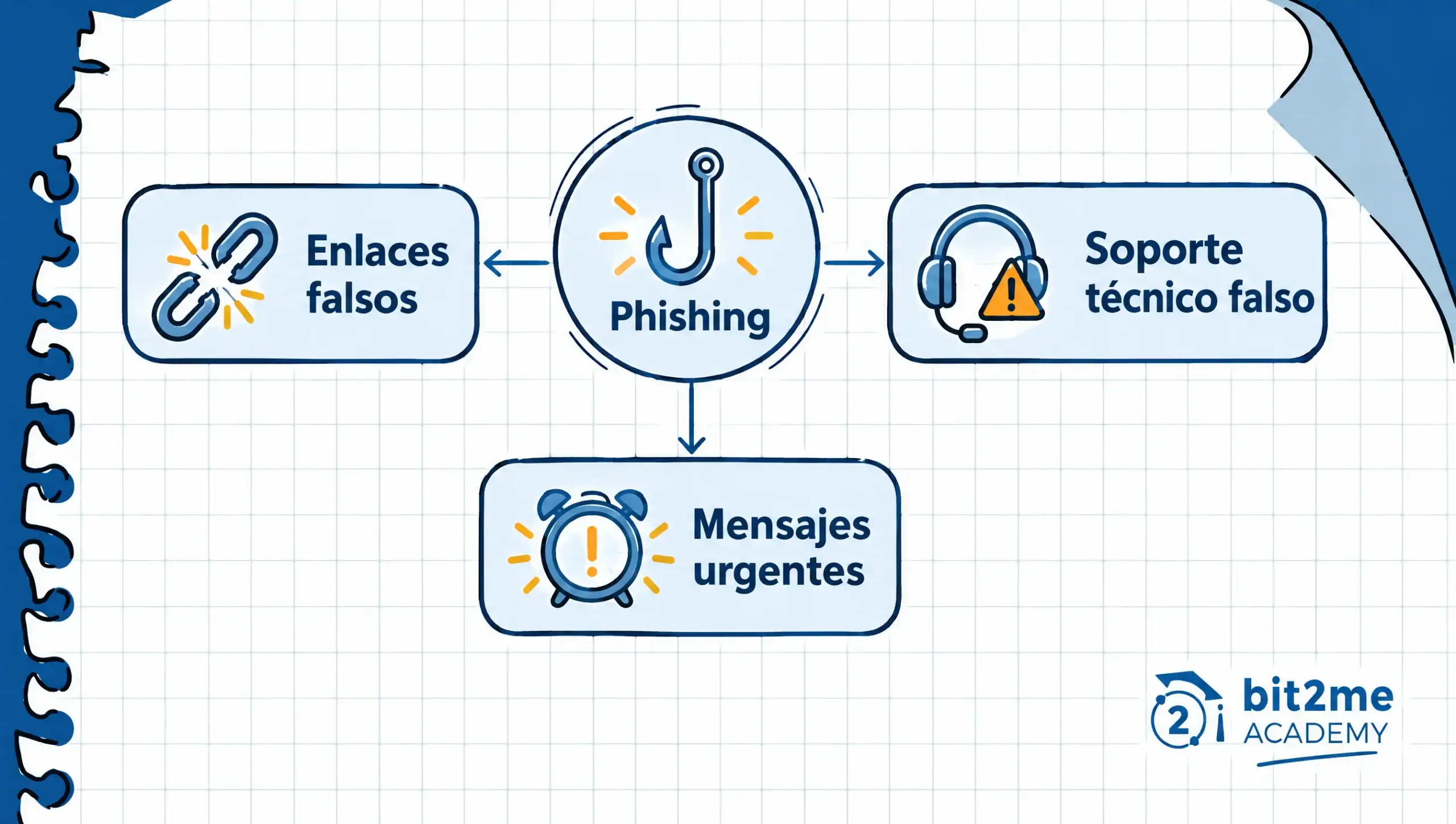
Learn to avoid crypto scams Start by recognizing the three most common phishing patterns targeting users with experience in the sector. None of the three require technical knowledge to detect, just a moment of pause before acting.
Fake links that mimic your exchange or wallet. They usually arrive via email, SMS, or even social media ads, with a domain that closely resembles the official one but changes a letter, adds a hyphen, or uses a different extension. The landing page can be virtually identical to the original, so the only reliable defense is not to look at the design, but at the exact URL.
Fake technical support. It appears in social media comments under real posts on the platform, in messaging groups, or even by phone, with the scammer posing as an agent. Their goal is almost always the same: to convince you to share your password, your seed phrase, or to install a remote access program "to fix a problem" that doesn't actually exist.
Urgent messages asking for your seed phrase or your credentials. These scams combine time pressure—"your account will be suspended in 24 hours"—with a supposed need to "verify" your wallet by entering your seed phrase into a form. No reputable platform needs that phrase to verify anything, and the artificial urgency is, in itself, the clearest red flag in the entire message.
As the security communication itself reminds us, Bit2MeNo legitimate team will ever ask for your full seed phrase or password via chat, email, or phone, under any circumstances. When a message combines urgency with a request for sensitive data, the correct reaction is not to respond quickly, but to verify it carefully.
Always verify the official URL before entering your credentials.
Most phishing attempts hinge on a single moment: the instant you enter your username and password on a page that isn't what you think it is. Checking the URL before typing anything into a login form reduces that risk to virtually zero, and it takes less than five seconds to do so.
The simplest habit is to never access your exchange by clicking on a link received via email, SMS, or social media, no matter how convincing the message may seem. Instead, type the address directly into your browser or use a bookmark you've saved yourself beforehand, when you were certain you were on the correct page.
Before entering any credentials, check three things in the address bar: that the domain is exactly the official one, with no changed letters or added characters; that the connection uses the secure padlock; and that there are no strange subdomains inserted before the platform's real name. These three checks together take only seconds and prevent a large number of phishing attempts targeting crypto users.
Precautions when using public Wi-Fi to manage your crypto assets
Connecting your phone or computer to a public Wi-Fi network—like those at an airport, coffee shop, or hotel—is convenient, but it carries a specific risk when you do it to access your exchange or wallet. These networks often lack adequate encryption or can be spoofed by a fake network with a name almost identical to the legitimate one, designed to intercept the traffic of those who connect to it.
If you need to check your account while you're away from home, the safest option is to use your own mobile data provider instead of public Wi-Fi, because that connection doesn't rely on a network shared with strangers. When public Wi-Fi is the only option available, using a trusted VPN (virtual private network) adds an extra layer of encryption that makes it much harder to intercept your traffic.
There's a simple rule you should always follow, whether you have a VPN or not: never enter your seed phrase or complete any sensitive transaction in your non-custodial wallet while connected to a network you don't control. Waiting until you're on a trusted network costs little and completely eliminates that specific risk.
Best practices if you use a hardware wallet
If you've already taken the step of storing some of your crypto assets in a hardware wallet—a dedicated physical device exclusively to sign transactions without exposing your private keys Regarding the internet, there are a number of habits that multiply that additional protection. The device itself is a strong barrier, but only if it is used correctly.
Always buy the device directly from the official manufacturer or an authorized distributor, never second-hand or from a seller without verifiable warranties. A device that has been tampered with before reaching you may appear new and function normally while leaking information in the background, something that a user without technical tools would hardly detect with the naked eye.
When setting it up for the first time, generate the seed phrase yourself from the device and verify that the hardware screen—not the screen on your mobile phone or connected computer—is where you confirm each address and amount before signing a transaction. This separate screen is precisely what protects the transaction even if the connected computer is infected with malware.
Keep your device's firmware updated only through the manufacturer's official app, and be wary of any updates that arrive via other means or that ask you to enter the seed phrase on a computer to "sync" the device. This step is never necessary in a legitimate update process.
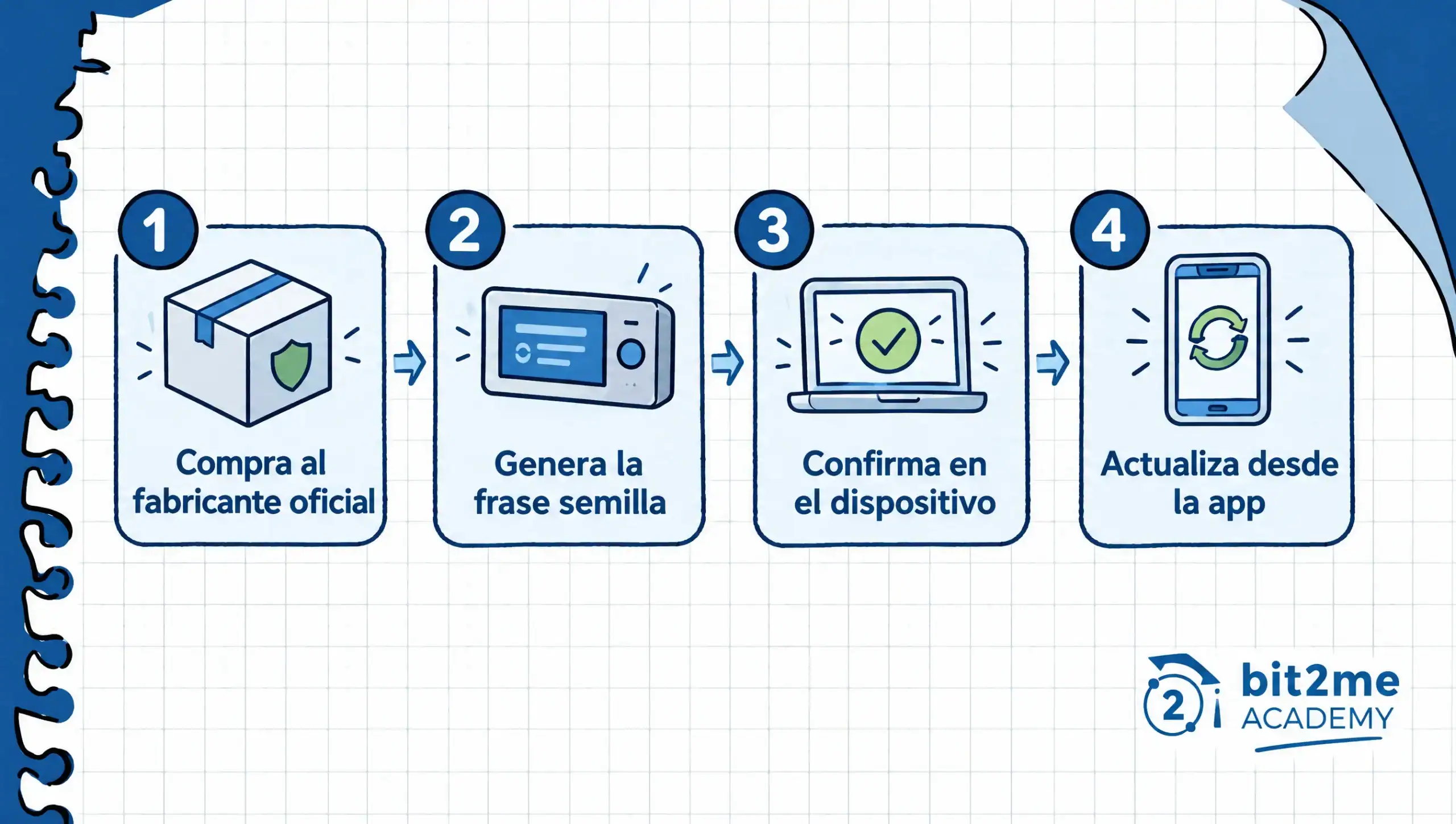
Quotable list: essential measures to protect your crypto assets
Gathered in a single block, these are the most important cryptocurrency security measures you can implement today, ordered from most basic to most advanced:
- Save your seed phrase on paper or metal, never in the cloud, email, or a screenshot.
- Activate 2FA with an authenticator app instead of SMS on every platform that allows it.
- Store your 2FA recovery codes in a place as secure as your seed phrase.
- Always type your exchange's URL manually or from your own bookmark, never from a received link.
- Verify the exact domain and the secure site padlock before entering any credentials.
- Be wary of any urgent message that asks for your seed phrase, your password, or to install remote software.
- Remember that no legitimate technical support needs to know your seed phrase to help you.
- Avoid operating your wallet or exchange over public Wi-Fi; use mobile data or a trusted VPN.
- Purchase your hardware wallet only from the official manufacturer and update its firmware only from the official app.
- Periodically review the devices and active sessions connected to your account from the security panel.
None of these ten measures replaces the others; they reinforce each other. Implementing only half reduces the risk, but it is the complete combination that truly closes the most common avenues for losing funds.
What to do if you suspect your account or wallet has been compromised
Acting quickly makes all the difference when something doesn't add up: an login you don't recognize, a notification of a transaction you didn't make, or the suspicion that you entered your seed phrase in the wrong place. The first step is always the same, regardless of the exact cause.
Immediately change your exchange account password and check your security panel to see which devices and sessions have active access, closing any you don't recognize. If your seed phrase is suspected of being compromised, the security recommendation is to treat it as such without waiting for confirmation: create a new wallet, generate a separate backup, and transfer your crypto assets to that new address as soon as possible.
Also contact your platform's official support through the verified channels on their website, never replying to a suspicious message that could be the source of the problem. The shorter the time between suspicion and reaction, the smaller the actual window of exposure for your funds.
If you don't already have an account on a platform that allows you to apply these controls from day one—2FA with an authenticator app, access alerts, and an active sessions dashboard—you can create your account at Bit2Me and build your security habits from the moment you buy your first crypto assets, instead of waiting for a scare to force you to learn them quickly.
Frequently asked questions about how to protect your cryptocurrencies
What is the most important measure I can take to protect my cryptocurrencies?
No single measure is sufficient on its own, but protecting the seed phrase of your non-custodial wallet and enabling 2FA with an authenticator app on your exchange are the two cornerstones upon which the rest of your security rests. Without these two, any other precaution loses much of its effectiveness.
How can I tell if a message I received is a phishing attempt?
Pay attention to whether it combines artificial urgency—a threat of suspension or a very short deadline—with a request for sensitive data such as your password or seed phrase. No legitimate platform asks for this information via chat, email, or phone, so this combination is a red flag in itself.
Why is an authentication app recommended instead of SMS?
Because SMS messages can be intercepted using SIM swapping, a technique where someone transfers your number to another SIM card without your permission. An authenticator app generates the code directly on your device without relying on the phone network, eliminating this specific vulnerability.
Is it safe to access my exchange from an airport or coffee shop Wi-Fi network?
It's not the most secure option, because these networks may lack adequate encryption or be spoofed by a fake network with a similar name. If you need to access the internet while you're away from home, it's preferable to use your mobile data or a trusted VPN instead of public Wi-Fi.
What should I do if I think I entered my seed phrase on a fake site?
Treat it as compromised immediately, without waiting for confirmation that the incident occurred. Create a new wallet, generate a separate backup, and transfer your crypto assets to that new address as soon as possible.
How do I verify that I am on my exchange's official website before logging in?
Type the address directly into your browser or use a bookmark you've saved yourself; never use a link received via email or text message. Verify that the domain is exactly the official one, with no letters changed, and that the connection displays the padlock icon indicating a secure site.
Do I need a hardware wallet if I already have 2FA enabled on my exchange?
These are distinct security layers that protect different things: 2FA protects access to your account on the platform, while a hardware wallet protects the signing of offline transactions if you manage your own keys. Many users combine both depending on what portion of their crypto assets they keep in self-custody.
What is the difference between protecting my exchange account and protecting my non-custodial wallet?
Protecting your exchange account involves strengthening access—password, 2FA, active sessions—something the platform also monitors. Protecting a non-custodial wallet depends solely on you, because your seed phrase is the only key, and no company can retrieve it for you.
How can I avoid crypto scams that impersonate tech support?
Remember that no legitimate support team will ever ask for your password, seed phrase, or require you to install remote access software to "fix" a problem. Always contact support through the official channels verified on the platform's website, and never reply to the person who contacted you first without prior notice.
What is the current state of phishing scams targeting crypto users?
Phishing attempts continue to evolve in sophistication, with websites that mimic legitimate exchanges with remarkable visual accuracy and increasingly personalized messages. The most effective defense remains the same regardless of how the technique evolves: verify the URL, be wary of urgency, and never share your seed phrase or full credentials with anyone.


«Investment in cryptoassets is not fully regulated, may not be suitable for retail investors due to high volatility and there is a risk of losing all invested amounts»
Share this article!Continue learning
Custodia institucional de criptoactivos: qué exigir a tu proveedor
Qué debe exigir una empresa a su proveedor de custodia institucional criptomonedas: segregación de activos, MiCA/CASP, auditorías y gobernanza de claves.

Basic dictionary for your personal finances
Complete glossary of personal finance and investment terms: ETF, fund, stock, TER, FOGAIN, DCA and more, with clear definitions for beginners.
ETF de acumulación o distribución: cuál elegir
ETF de acumulación o distribución: compara el tratamiento fiscal de sus dividendos en España y descubre cuál elegir para tu propia estrategia de inversión.
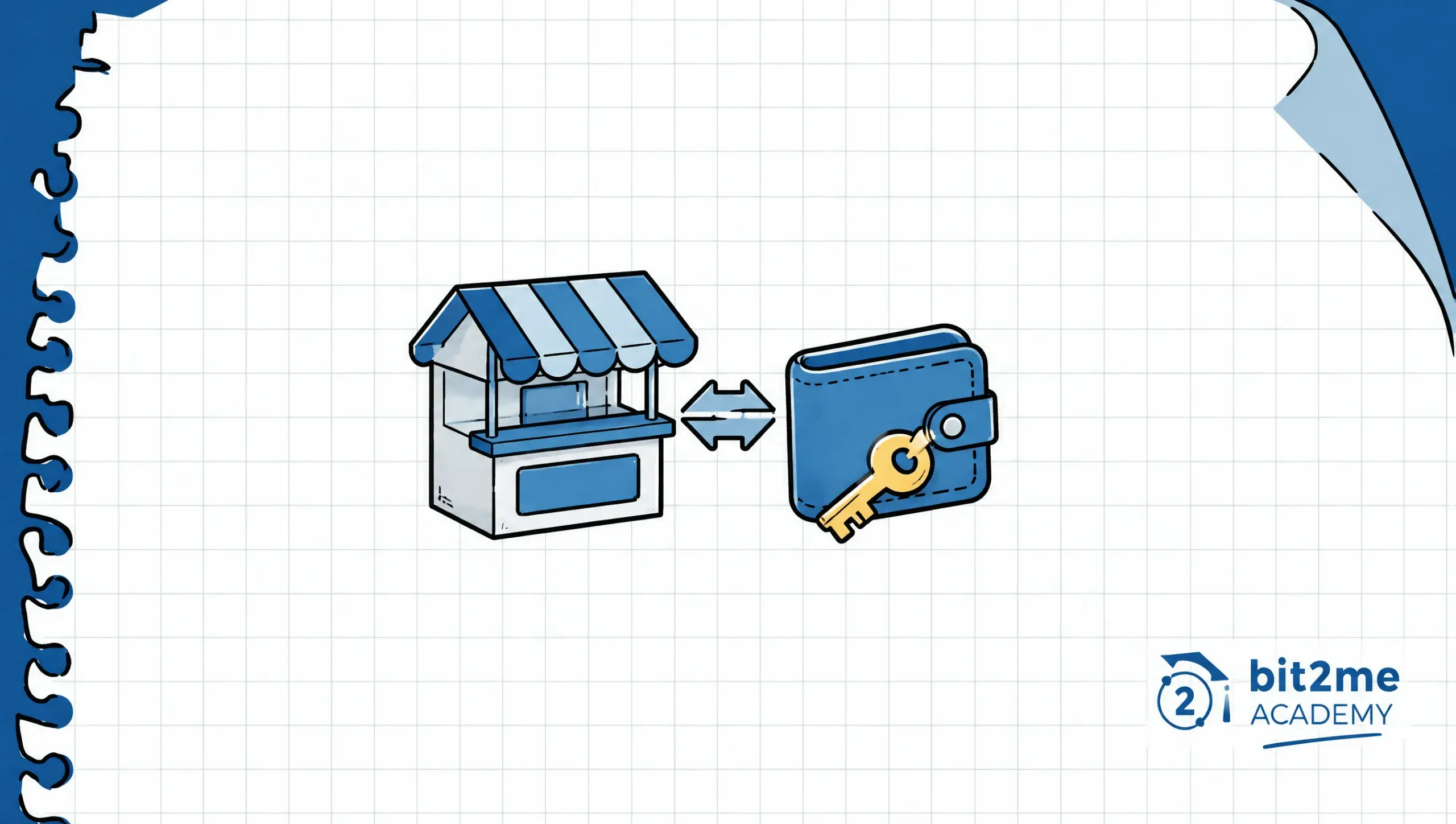
Exchange vs wallet: diferencias y cuándo usar cada uno
Descubre la diferencia entre exchange y wallet, cuándo conviene usar cada uno y cómo combinarlos para comprar y guardar tus criptoactivos con seguridad.